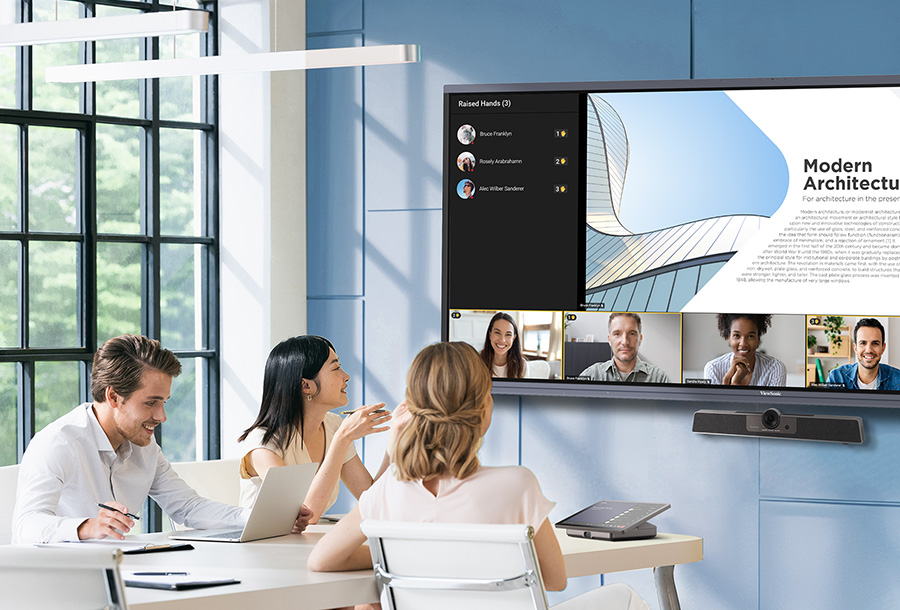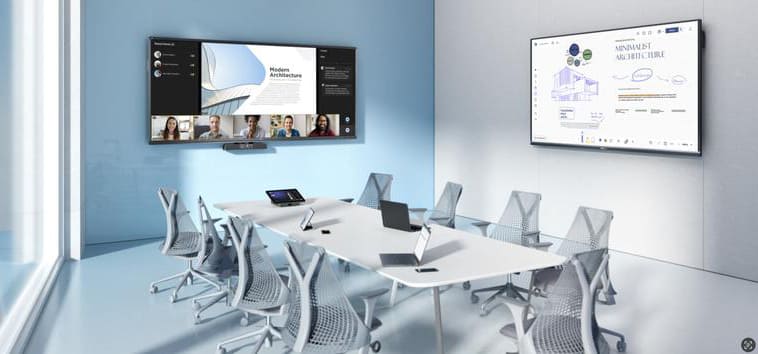

A simple whiteboarding solution for real-time collaboration on ViewBoard interactive displays, designed for meeting rooms and teaching venues.


Designed for ViewBoard
Choose from a variety of ViewBoard interactive displays and enjoy seamless, intuitive whiteboarding with TeamOne.
-
![background]()
IFP63 Series
Ideal for small group discussions and collaboration, this interactive display series offers 4K Ultra HD resolution, intuitive tools, and remote management capabilities.
-
![background]()
IFP52-2F Series
Designed to enhance teamwork, this Android™ EDLA-certified interactive display series features premium sound, a microphone array, and seamless integration with the Google ecosystem.
-
![background]()
IFP Ultrawide Series
Ideal for large spaces, this interactive display series features a 5K ultrawide screen with a 21:9 aspect ratio and all-in-one USB-C connectivity.

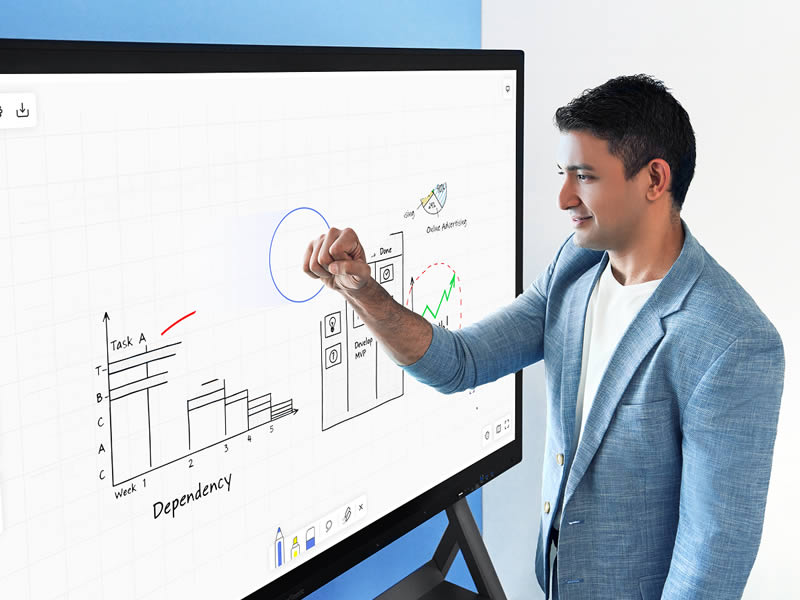
Experience Seamless Interaction
Draw, write, and shape ideas naturally with easy-to-use touch and stylus controls. Use your palm to erase for quick corrections, or press and hold the stylus to access tools instantly, making annotation fast and easy to manage.



Accelerate Decision-Making
Achieve alignment and faster decisions with TeamOne's collaboration features—such as voting, comments, and 'Focus on Me' mode. Perfect for retrospectives and team sessions, these tools help you quickly identify priorities, capture feedback, and streamline action items.


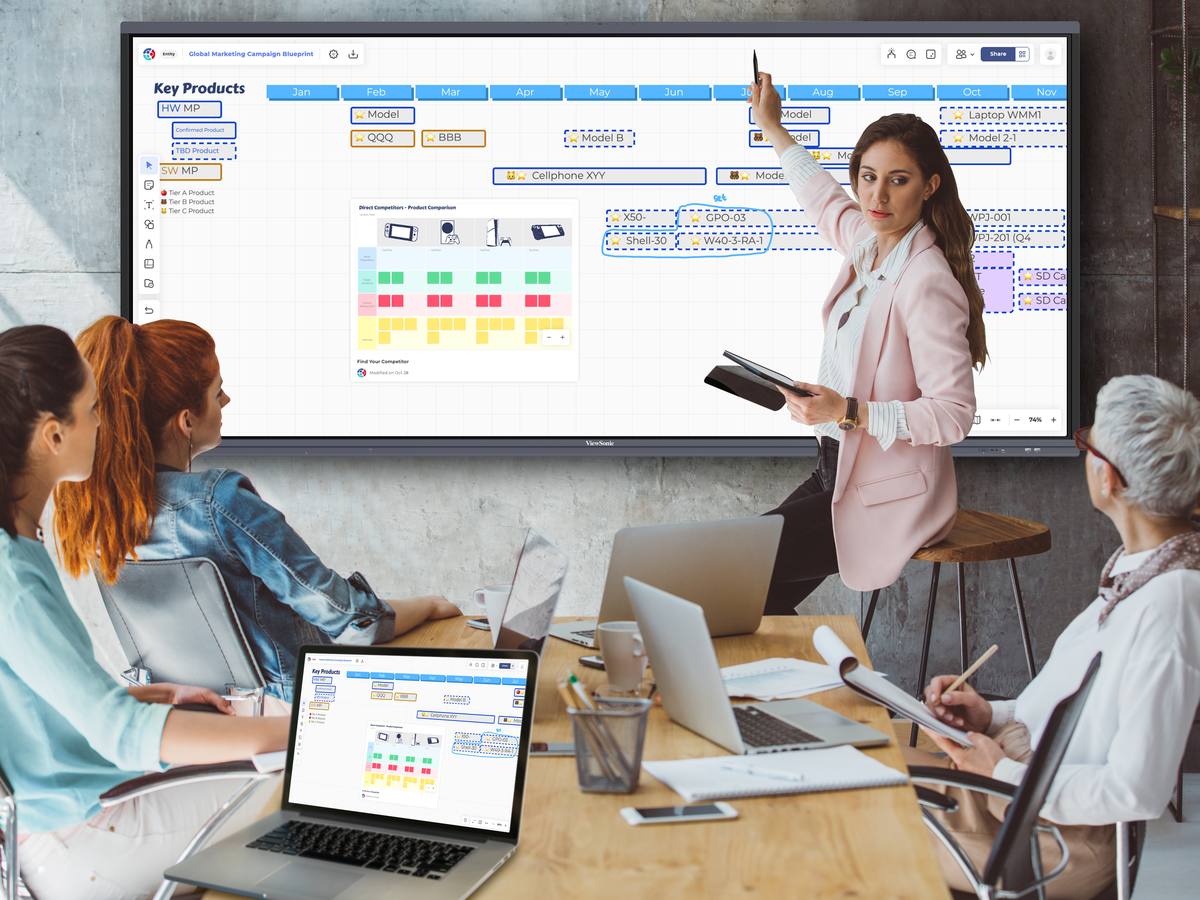
Keep Everything in View
Bring images and files onto the whiteboard and visualize them all in one place. TeamOne makes it easy to communicate ideas and guide discussions from start to finish.


Streamline Workflows with Templates
Choose from ready-made templates or design custom ones tailored to your team’s unique workflows, seamlessly integrating with your existing tools.
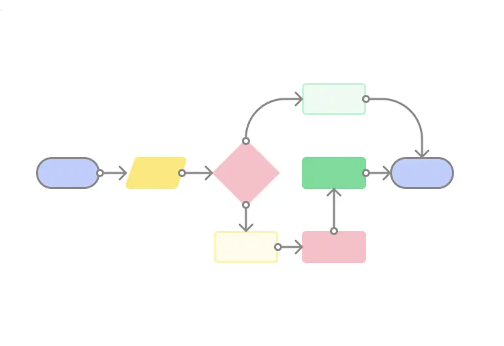
Meeting & Diagramming
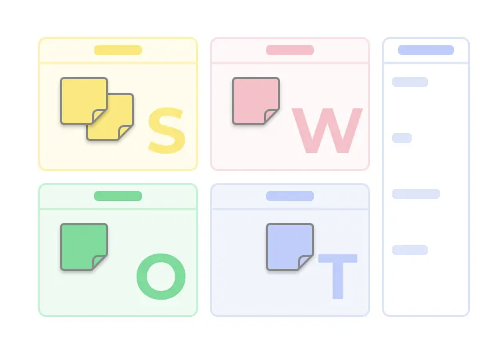
Brainstorming & Communication

Marketing & Communication
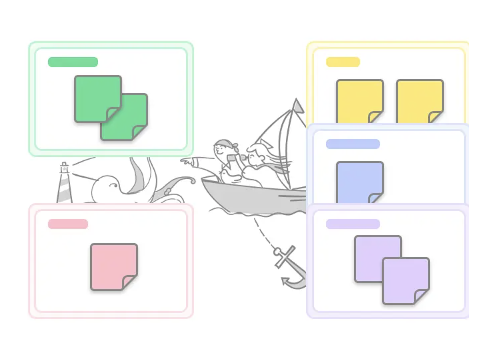
Agile Workflow
Ready to Transform Your Team’s Collaboration?
Experience seamless, flexible teamwork with TeamOne, whether in-person or remote.
Find the Right Tier for You
Unlock powerful collaboration features, whether you're working solo or with a team.

Individual
For individual and teams to get started.
-
500 boards and 1 public project.
-
15GB for file storage.
-
20 concurrent users on a board for collaboration.
-
50 images per day for image search / Giphy / IconFinder.

Entity
For organizations and businesses with interactive displays.
-
Unlimited boards and projects.
-
75GB for file storage.
-
50 concurrent users on a board for collaboration.
-
50 images per day for image search / Giphy / IconFinder.
Frequently Asked Questions
Introduction to TeamOne
-
What is TeamOne?
TeamOne is a web-based whiteboarding solution for enterprise meeting rooms and learning environments. Designed for ViewBoard interactive displays, it enables real-time, multi-user collaboration during in-person meetings.
-
Why use TeamOne?
TeamOne brings real-time whiteboarding into shared spaces, helping teams and classes turn ideas into clear discussions and decisions during in-person meetings.
-
What tools are available in TeamOne?
All essential whiteboarding tools are included, such as pen drawing, sticky notes, shapes, polls, a laser pointer, and text input, making it easy to capture and organize ideas in real time.
Getting Started with TeamOne
-
Do I need to install anything to be able to use TeamOne?
Not at all! The software operates on browsers like Safari or Chrome. If you have a browser installed, you can use it right away after signing up.
-
I do not have ViewBoard or other touch screen devices. Can I still use TeamOne?
Yes. While TeamOne is designed for ViewBoard interactive displays in shared spaces, boards can also be accessed through a web browser, allowing participants to view, contribute, and follow the session from their own devices.
-
How can I manage my boards on TeamOne?
Share your created boards with your team or invite others. You can create teams to collaborate, and all team members can access the boards within the team space.
-
How does TeamOne work with online meeting platforms?
No integration is required. Boards can be opened in a web browser and shared instantly by link or email, allowing participants to view and contribute in real time.
TeamOne Data Security
-
Where are my TeamOne boards stored?
TeamOne securely stores board data on AWS cloud servers that comply with high privacy and security standards. Your data is hosted securely in US or EU data centers, remaining within the region you select in your account settings. To further enhance information security, TeamOne utilizes the ViewSonic Account system, ensuring that personal data is never directly collected.
-
Will anyone else see my data?
Your data is safe with TeamOne. We ensure secure data transmission using HTTPS and protect sensitive information in storage with AWS RDS encryption. Our Web Application Firewall (WAF) actively blocks unauthorized access, and our strict DevSecOps protocols prevent developers from accessing the production database directly.