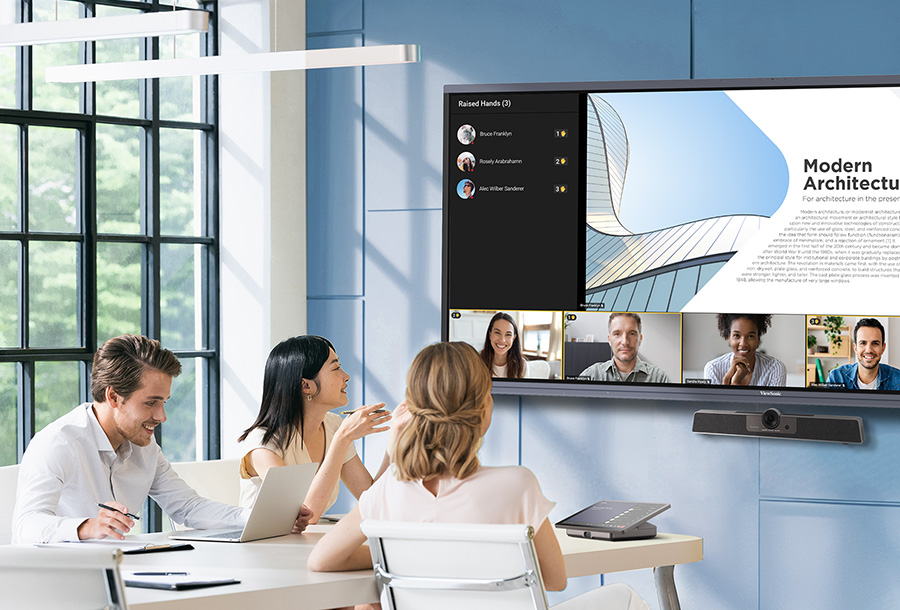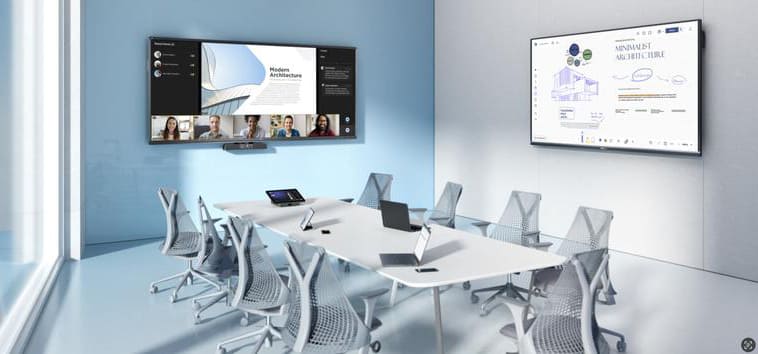
A simple whiteboarding solution for real-time collaboration on ViewBoard interactive displays, designed for meeting rooms and teaching venues.

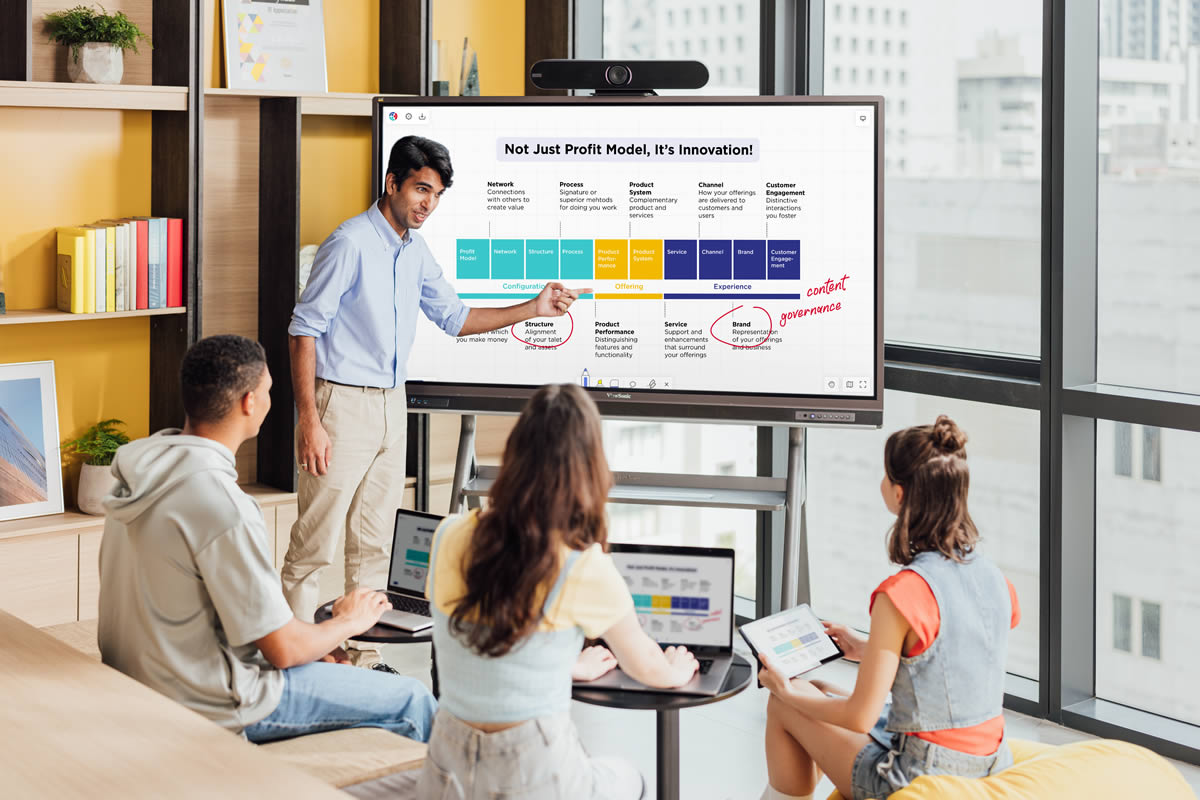
Designed for ViewBoard
Choose from a variety of ViewBoard interactive displays and enjoy seamless, intuitive whiteboarding with TeamOne.
-
![background]()
IFP63 Series
Idéale pour les discussions en petits groupes et la collaboration, cette série d’écrans interactifs offre une résolution 4K Ultra HD, des outils intuitifs et des capacités de gestion à distance.
-
![background]()
Série IFP52-2F
Conçue pour améliorer le travail d’équipe, cette série d’écrans interactifs certifiée Android™ EDLA offre un son de qualité supérieure, un réseau de microphones et une intégration complète avec l’écosystème Google.
-
![background]()
Série IFP Ultra-Large
Idéale pour les grands espaces, cette série d’écrans interactifs est dotée d’un écran ultra-large 5K avec un format 21:9 et d’une connectivité USB-C tout-en-un.

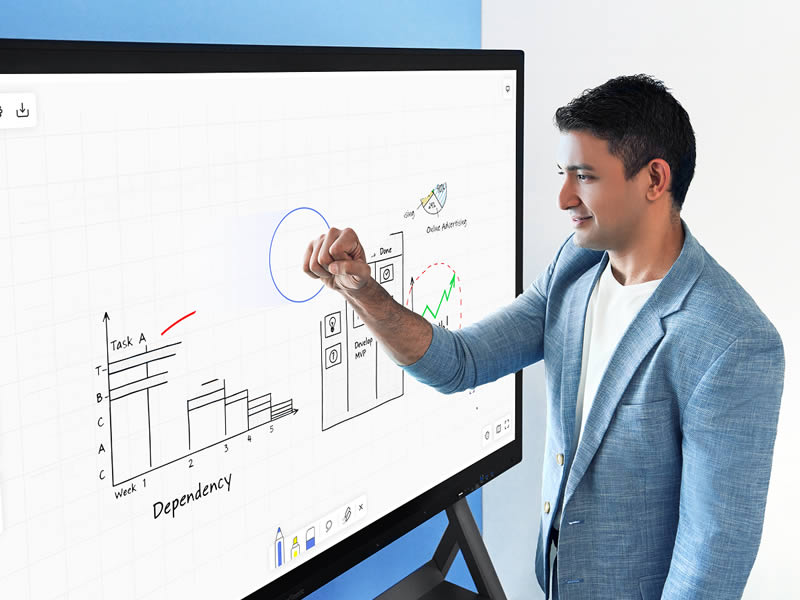
Experience Seamless Interaction
Draw, write, and shape ideas naturally with easy-to-use touch and stylus controls. Use your palm to erase for quick corrections, or press and hold the stylus to access tools instantly, making annotation fast and easy to manage.


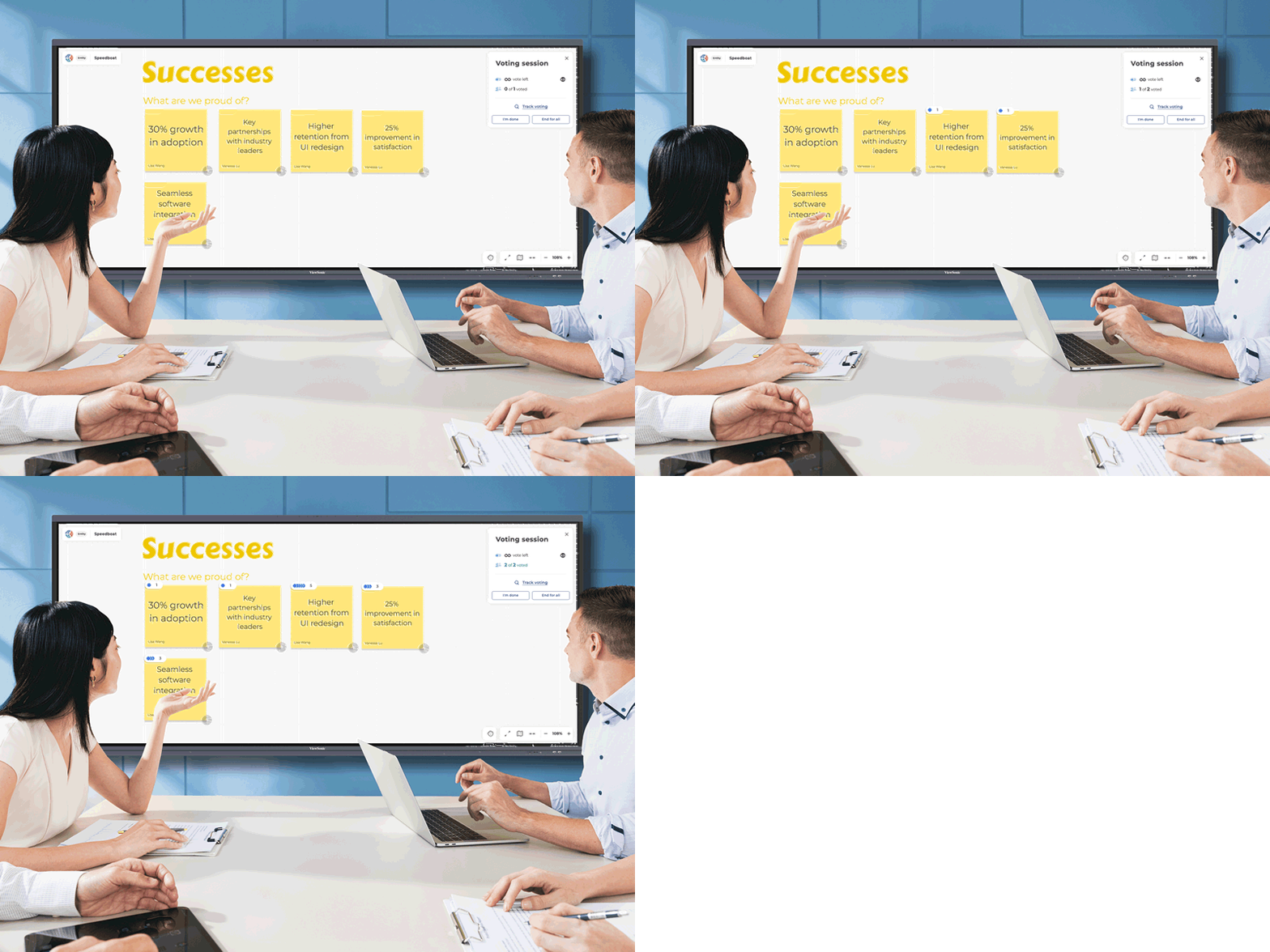
Accélérer la prise de décision
Alignez-vous et accélérez vos prises de décisions grâce aux fonctionnalités de collaboration de TeamOne, telles que le vote, les commentaires et le mode « Concentre-toi sur moi ». Parfaits pour les rétrospectives et les sessions d’équipe, ces outils vous aident à identifier rapidement les priorités, à recueillir des commentaires et à rationaliser les actions.


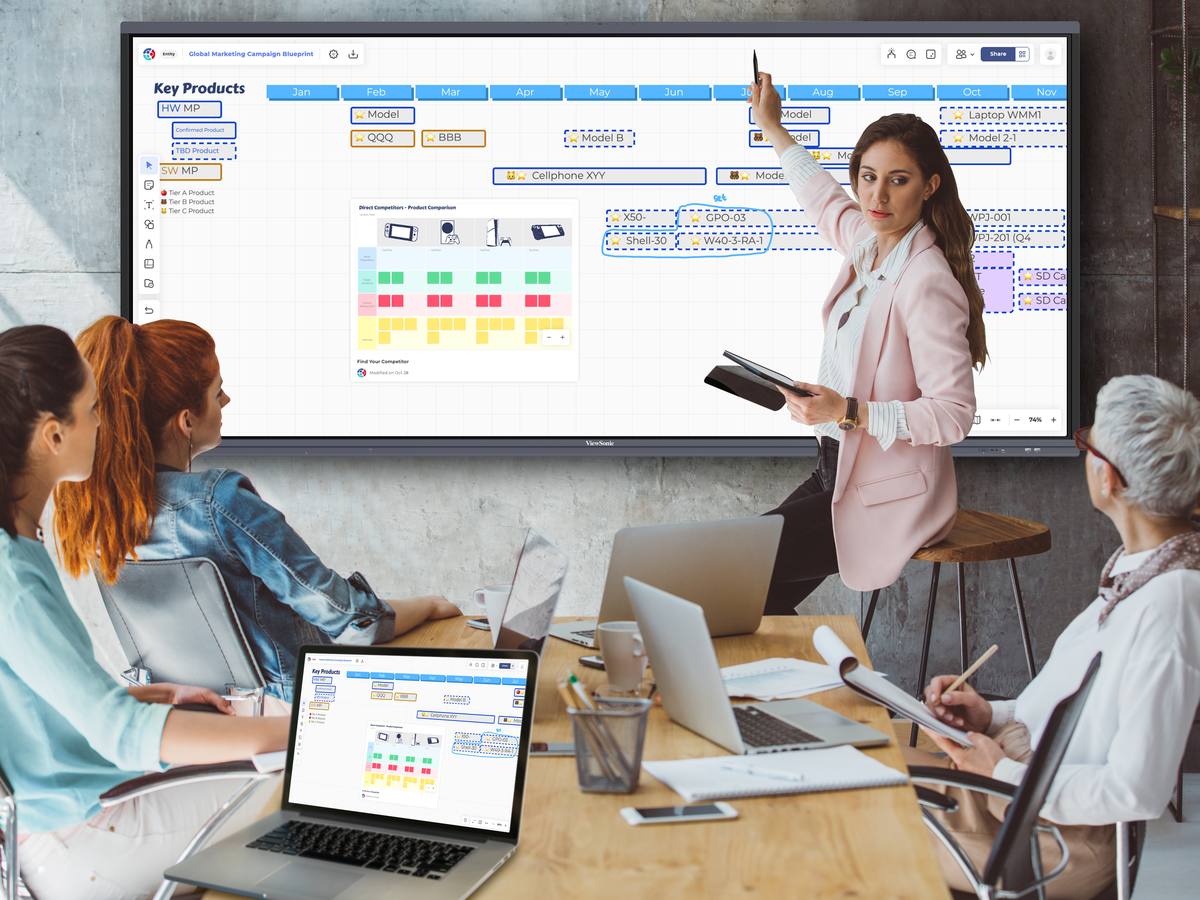
Keep Everything in View
Bring images and files onto the whiteboard and visualize them all in one place. TeamOne makes it easy to communicate ideas and guide discussions from start to finish.


Simplifiez les flux de travail avec des modèles
Choisissez parmi des modèles prêts à l’emploi ou concevez des modèles personnalisés adaptés aux flux de travail uniques de votre équipe, en s’intégrant parfaitement à vos outils existants.
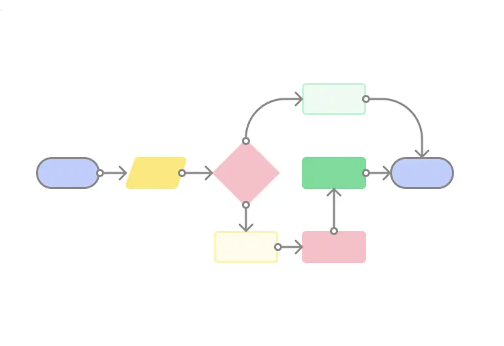
Réunion et création de diagrammes
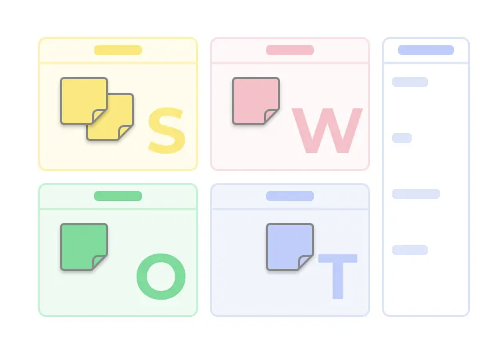
Brainstorming et communication

Marketing et communication
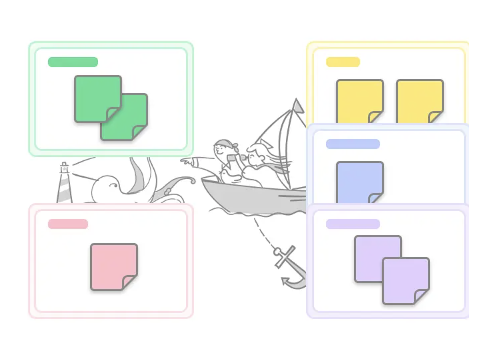
Flux de travail agile
Prêt à transformer la collaboration de votre équipe ?
Faites l’expérience d’un travail d’équipe transparent et flexible avec TeamOne, que ce soit en présentiel ou à distance.
Trouvez le niveau qui vous convient
Débloquez de puissantes fonctionnalités de collaboration, que vous travailliez seul ou en équipe.

Seul
Pour les personnes et les équipes qui souhaitent se lancer dans l'aventure.
-
500 planches et 1 projet public.
-
15 Go pour le stockage de fichiers.
-
20 utilisateurs simultanément sur un tableau pour la collaboration.
-
50 images par jour pour la recherche d’images / Giphy / IconFinder.

Entité
Pour les organisations et les entreprises disposant d’écrans interactifs.
-
Tableaux et projets illimités.
-
75 Go pour le stockage de fichiers.
-
50 utilisateurs simultanément sur un tableau pour la collaboration.
-
50 images par jour pour la recherche d’images / Giphy / IconFinder.
Veelgestelde vragen
Inleiding tot TeamOne
-
Wat is TeamOne?
TeamOne is a web-based whiteboarding solution for enterprise meeting rooms and learning environments. Designed for ViewBoard interactive displays, it enables real-time, multi-user collaboration during in-person meetings.
-
Waarom zou je TeamOne gebruiken?
TeamOne brings real-time whiteboarding into shared spaces, helping teams and classes turn ideas into clear discussions and decisions during in-person meetings.
-
Welke tools zijn er beschikbaar in TeamOne?
All essential whiteboarding tools are included, such as pen drawing, sticky notes, shapes, polls, a laser pointer, and text input, making it easy to capture and organize ideas in real time.
Aan de slag met TeamOne
-
Moet ik iets installeren om TeamOne te kunnen gebruiken?
Helemaal niet! De software werkt op browsers zoals Safari of Chrome. Als je een browser hebt geïnstalleerd, kun je deze meteen gebruiken nadat je je hebt aangemeld.
-
I do not have ViewBoard or other touch screen devices. Can I still use TeamOne?
Yes. While TeamOne is designed for ViewBoard interactive displays in shared spaces, boards can also be accessed through a web browser, allowing participants to view, contribute, and follow the session from their own devices.
-
Hoe kan ik mijn borden beheren op TeamOne?
Deel je gemaakte borden met je team of nodig anderen uit. Je kunt teams aanmaken om samen te werken en alle teamleden hebben toegang tot de borden in de teamruimte.
-
How does TeamOne work with online meeting platforms?
No integration is required. Boards can be opened in a web browser and shared instantly by link or email, allowing participants to view and contribute in real time.
TeamOne gegevensbeveiliging
-
Waar worden mijn TeamOne-borden opgeslagen?
TeamOne securely stores board data on AWS cloud servers that comply with high privacy and security standards. Your data is hosted securely in US or EU data centers, remaining within the region you select in your account settings. To further enhance information security, TeamOne utilizes the ViewSonic Account system, ensuring that personal data is never directly collected.
-
Kan iemand anders mijn gegevens zien?
Uw gegevens zijn veilig bij TeamOne. We zorgen voor veilige gegevensoverdracht met HTTPS en beschermen gevoelige informatie in opslag met AWS RDS-encryptie. Onze Web Application Firewall (WAF) blokkeert actief ongeautoriseerde toegang, en onze strikte DevSecOps-protocollen voorkomen dat ontwikkelaars rechtstreeks toegang krijgen tot de productiedatabase.